Price range: $70.00 through $80.00

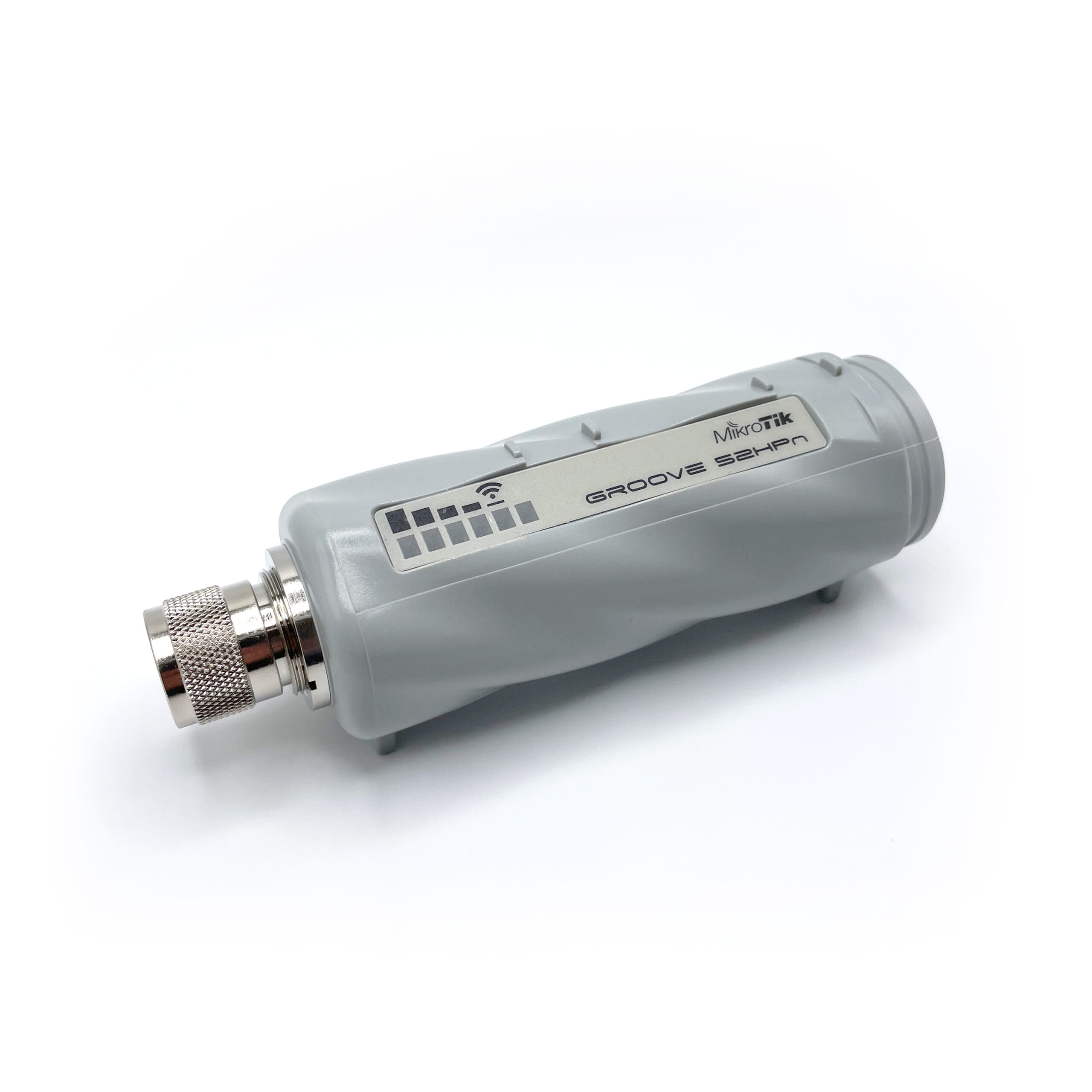
This 2.4 GHz wireless radio acts as a wifi router and client for the BlueBoat’s long-range wifi communication. These come with the BlueBoat and BaseStation but are also available separately as a spare or replacement. Requires an antenna, sold separately.

Please check out the guides section for instructions on configuring the router wireless settings for your location.

SKU: MIKRO-TIK-VP Category:
HS Code: 8517.62.0090
Country of Origin: Latvia

Product Description

The BlueBoat uses 2.4 GHz wifi as its default communication method, leveraging the MikroTik Groove 52 series radios. The BaseStation uses the “GrooveA” version, which has the ability to act as a wireless access point (AP) for the boat and your laptop or other device. The “Groove” version used in the boat acts as a client connected to the BaseStation. These radios are preconfigured for use in the BaseStation and BlueBoat and made available for use as spares or replacements.

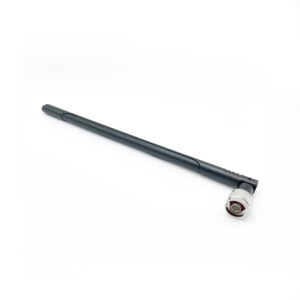
The radio requires an antenna with N-type female connector. They can be used with directional antennas for longer ranges and better performance.

There are a lot of configuration options available for these radios and it is best to check the MikroTik documentation for any use outside of the default BlueBoat configuration.
Please use this radio within the operating limitations that are allowed in your location. Wifi signals are broadly allowable in many locales, but local regulations should always be consulted. Check out the guides section for instructions on configuring the router wireless settings for your location.

Product Description

The BlueBoat uses 2.4 GHz wifi as its default communication method, leveraging the MikroTik Groove 52 series radios. The BaseStation uses the “GrooveA” version, which has the ability to act as a wireless access point (AP) for the boat and your laptop or other device. The “Groove” version used in the boat acts as a client connected to the BaseStation. These radios are preconfigured for use in the BaseStation and BlueBoat and made available for use as spares or replacements.

The radio requires an antenna with N-type female connector. They can be used with directional antennas for longer ranges and better performance.

There are a lot of configuration options available for these radios and it is best to check the MikroTik documentation for any use outside of the default BlueBoat configuration.
Please use this radio within the operating limitations that are allowed in your location. Wifi signals are broadly allowable in many locales, but local regulations should always be consulted. Check out the guides section for instructions on configuring the router wireless settings for your location.
  • 1 x BlueBoat or BaseStation Wireless Router (based on selection)

Specifications

ParameterValue
Manufacturer's WebsiteMikroTik
Model NumberRBGrooveA-52HPn (BaseStation)
RBGroove-52HPn (BlueBoat)
HS Code8517.62.0090
Default BlueBoat Router Configuration
IP Address192.168.2.4
ModeClient Mode (CPE)
Default BaseStation Router Configuration
IP Address192.168.2.3
ModeAccess Point Mode (AP)
SSID"BaseStation - 2.4Ghz"
Password"BaseStation"

Documents

Mikrotik_programming (.zip)

Revision History

19 August 2024

  • BR-101678, BlueBoat Wireless Router
  • Default wireless settings updated

11 June 2024

  • BR-101679, BaseStation Wireless Router
  • Default wireless settings updated

6 February 2024

  • BR-101678 - Initial release
  • BR-101679 - Initial release

Configuring Country and Antenna Gain Settings

Wireless regulations vary from country to country. To ensure that the MikroTik routers are operating in compliance with local regulations, the country profile and antenna gain must be correctly configured in the router settings:

Guides

BlueBoat Assembly Guide
Learn how to assemble your shiny new BlueBoat!
BlueBoat Software Setup
Learn how to set up the software for your BlueBoat!
BlueBoat Operator’s Guide
Learn how to operate your BlueBoat!